Your Baby as a Chibi Plushy Toy to Treasure Forever
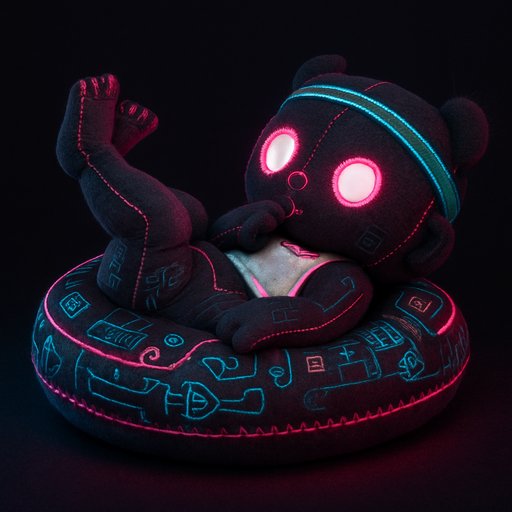
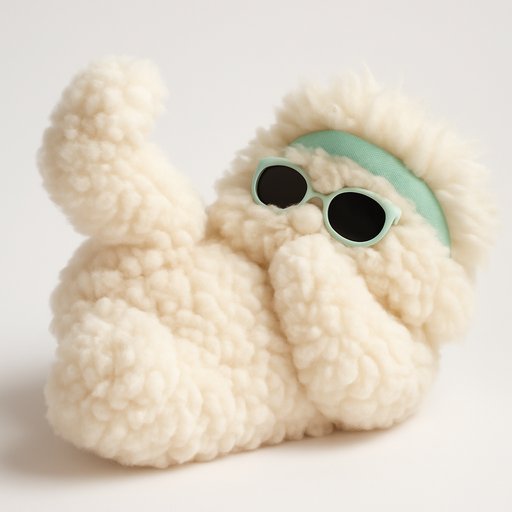
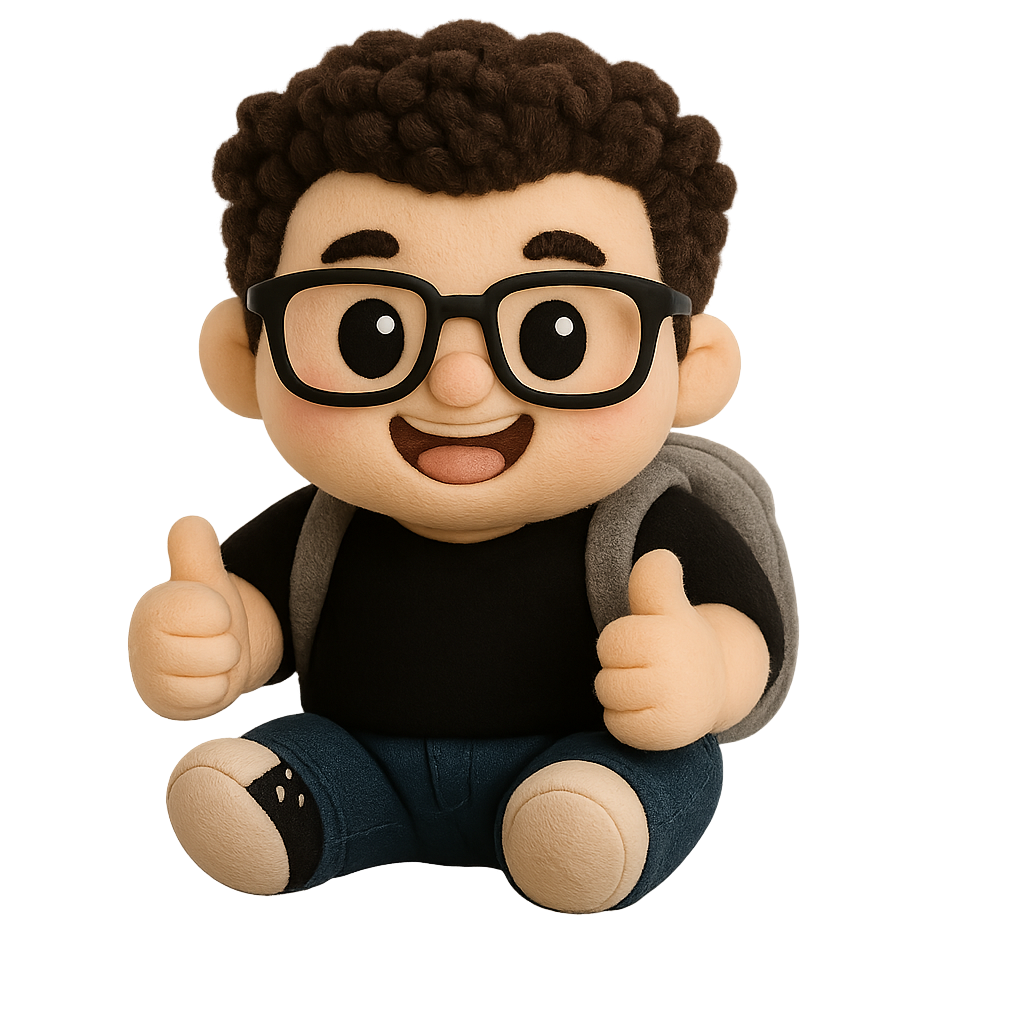
Transform your little one's photo into an irresistibly cute chibi-style plushy keepsake.
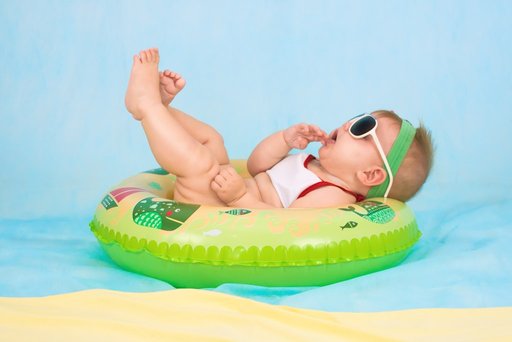 Before
 After
After
Look how cute your plushy turned out 💕
Save the clean, watermark-free version + get 10 free credits to try other styles.
Loved that? Get 54 different versions of your photo. All at once.
One upload, 54 plushy styles delivered to your inbox in about 5 minutes. Watermark-free, full resolution. $14.99 flat.
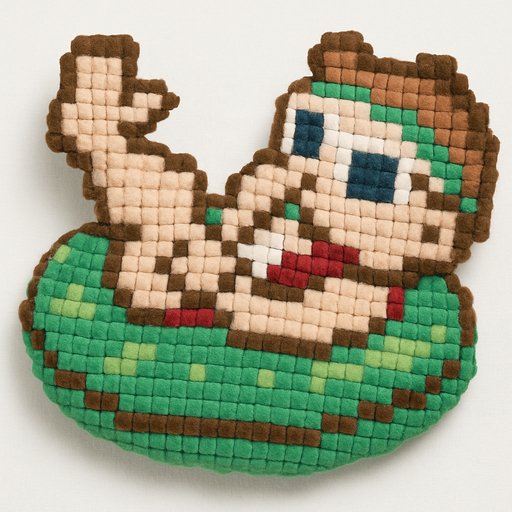
Go get your bundle →After sign-up, you can try Baby in 54 styles like these:
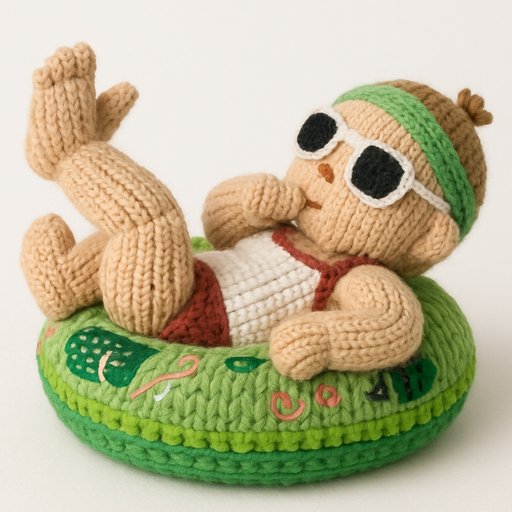
 Kawaii
 Squishmallow
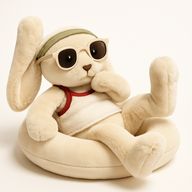 Jellycat
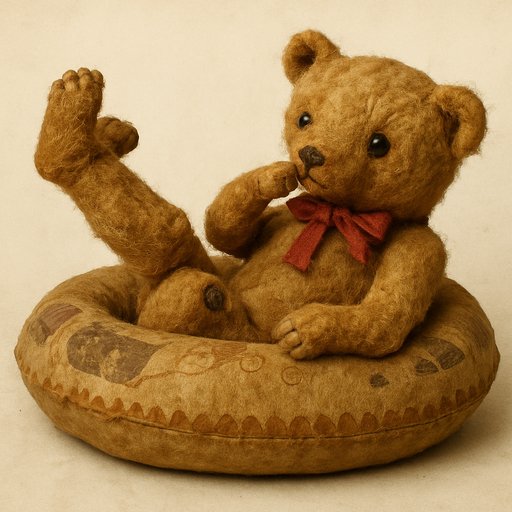
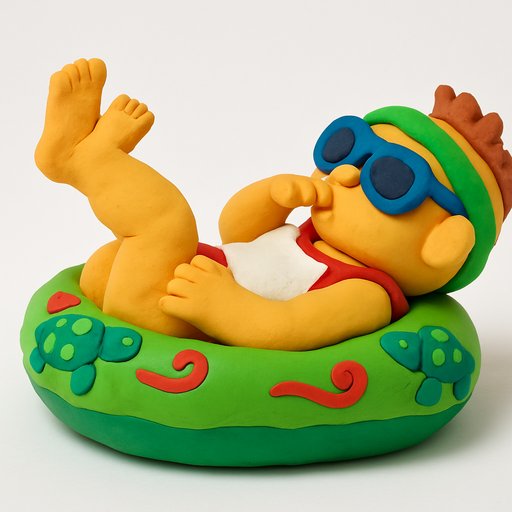
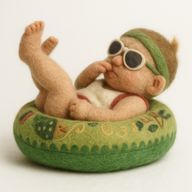 Needle Felt
Something went wrong
Take a photo
Save your plushy 💕
Welcome back 💕
Get the clean, watermark-free version. New accounts also get 10 free credits to try other styles.
Log in to remove the watermark and save your plushy.
Welcome!
Watermark removed — redirecting you to your dashboard in 3 seconds...
Why chibi style perfectly captures your baby's charm
Babies are already pure sweetness, oversized heads, round cheeks, and tiny hands. The chibi style leans into exactly those proportions, giving your baby's plushy an enormous head that's half its total height, with wide sparkly eyes and the softest little smile. It's like turning your baby's cutest features up to eleven.
Those stubby chibi limbs and compact body mirror the adorable chubbiness of a real infant. Every detail, from rosy cheeks to wispy hair, is simplified into a huggable, shelf-ready keepsake that radiates pure joy.
How It Works
Pick a photo of your baby from your camera roll
Select Chibi or any of our 54 plushy styles
Your plushy is ready in under 60 seconds. Download and share.
Best photos for Chibi Baby
Baby photos translate beautifully into the Chibi plushy style. To get the most charming result, the photo you upload makes a big difference. Here's what works best:
- Clean, soft lighting. Natural daylight or window light shows texture and color far better than flash. Side or three-quarter light brings out the chibi feel.
- Front or three-quarter angle. A clear view of the face — eyes, nose, expression — gives the plushy version personality.
- Simple backgrounds. Plain walls, grass, or a clean room work better than busy patterns. The plushy version becomes the focus, not the surroundings.
- Calm, still poses. A relaxed expression converts better than a blurry action shot. Sitting or standing still with eyes toward the camera is ideal.
- Sharp, in-focus photos. The clearer the original, the more detail comes through in the chibi plushy.
Avoid heavily filtered photos, screenshots, or images with multiple unrelated subjects in the frame. A single, well-lit photo of your baby produces the cutest Chibi plushy every time.